
Important: This documentation is about an older version. It's relevant only to the release noted, many of the features and functions have been updated or replaced. Please view the current version.

View alert state on panels
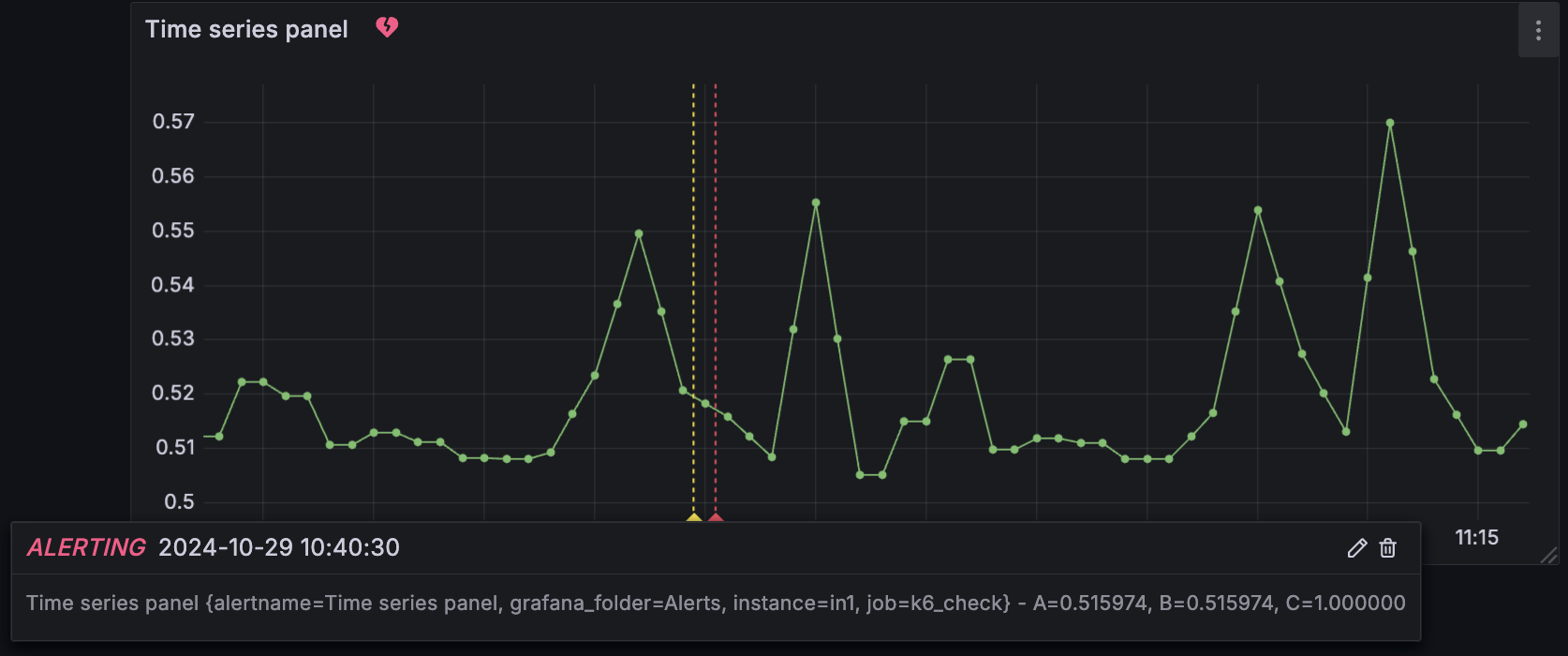
When an alert rule is linked to a time series panel, the time series panel displays the alert state and alert events.
A heart icon near the panel title shows the current alert state:
- A broken red heart when the alert is in
Alertingstate. - A green heart when the alert is in
Normalstate.
Colored annotations indicate changes in alert state, such as pending, alerting, and resolving.
Additionally, Grafana provides an alert list panel that you can add to a dashboard to display a list of alerts and their states.
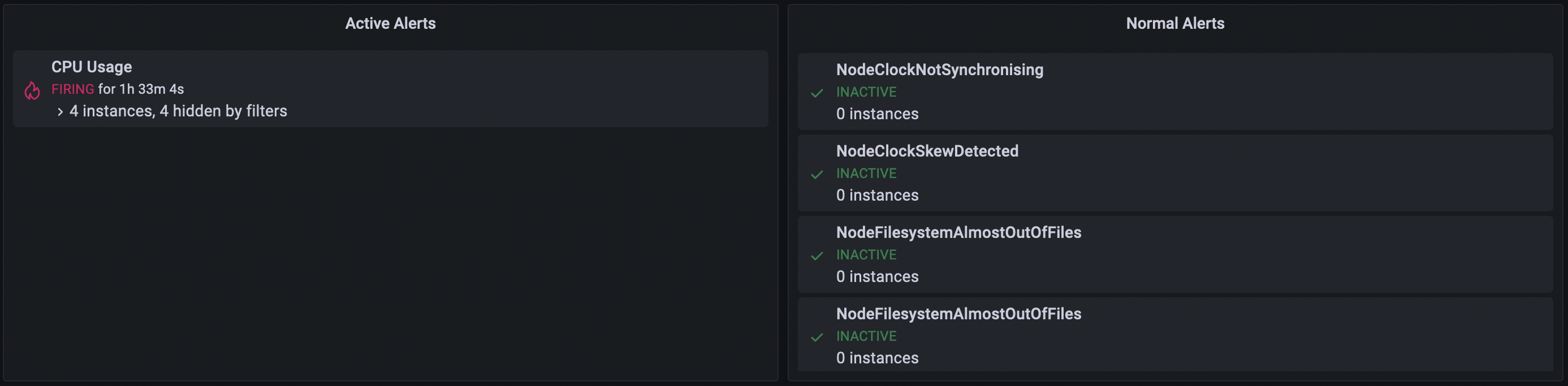
You can configure the alert list panel with various visualization options and filters to control how alerts are displayed. For more details, refer to the Alert list documentation.

With Grafana Play, you can explore and see how it works, learning from practical examples to accelerate your development. This feature can be seen on this demo dashboard with alert list panels and linked alert rules.
Was this page helpful?
Related resources from Grafana Labs



