
Important: This documentation is about an older version. It's relevant only to the release noted, many of the features and functions have been updated or replaced. Please view the current version.

Inspect variables and their dependencies
The variables page lets you easily identify whether a variable is being referenced (or used) in other variables or dashboard. In addition, you can also add variables and manage existing variables from this page.
Note: This feature is available in Grafana 7.4 and later versions.
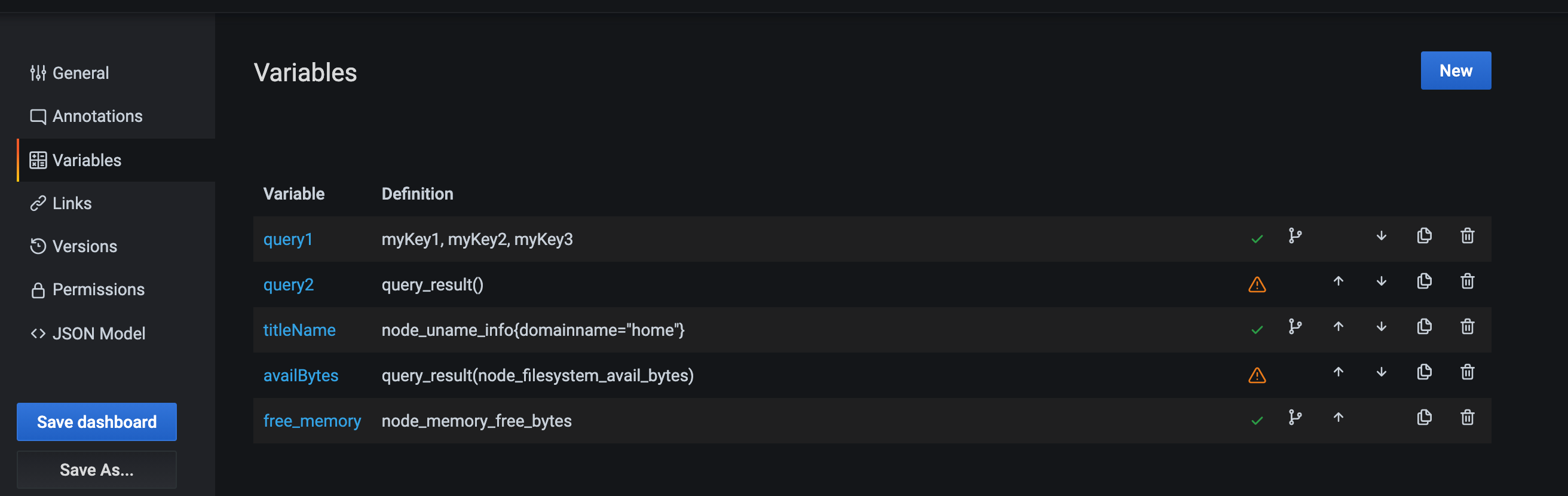
Any variable that is referenced or used has a green check mark next to it, while unreferenced variables have a orange caution icon next to them.

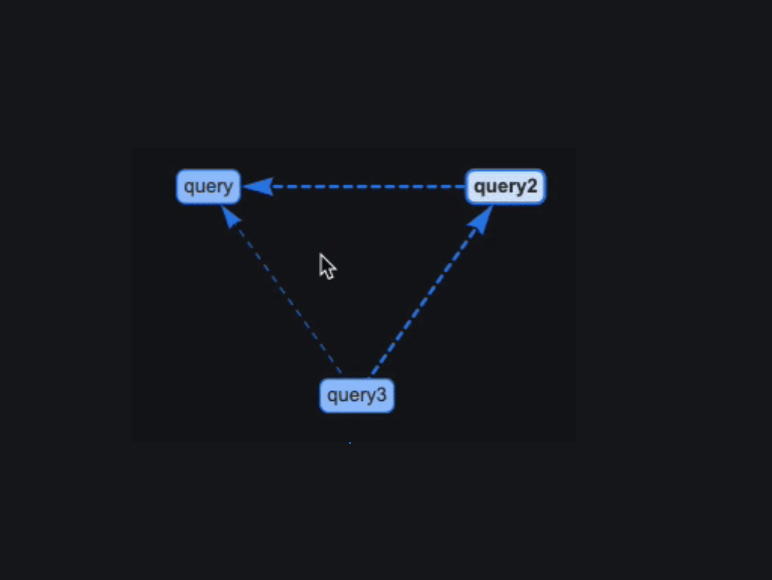
In addition, all referenced variables have a dependency icon next to the green check mark. You can click on the icon to view the dependency map. The dependency map can be moved. You can zoom in out with mouse wheel or track pad equivalent.
Was this page helpful?
Related resources from Grafana Labs



