
Important: This documentation is about an older version. It's relevant only to the release noted, many of the features and functions have been updated or replaced. Please view the current version.
 Grafana documentation
Alerts
Grafana alerts
Create and manage rules
Cortex or Loki rule groups and namespaces
Grafana documentation
Alerts
Grafana alerts
Create and manage rules
Cortex or Loki rule groups and namespacesCortex or Loki rule groups and namespaces
A namespace contains one or more groups. The rules within a group are run sequentially at a regular interval. The default interval is one (1) minute. You can rename Cortex or Loki rule namespaces and groups, and edit group evaluation intervals.

Rename a namespace
To rename a namespace:
- In the Grafana menu, click the Alerting (bell) icon to open the Alerting page listing existing alerts.
- Find a Cortex or Loki managed rule with the group that belongs to the namespace you want to edit.
- Click the Edit (pen) icon.
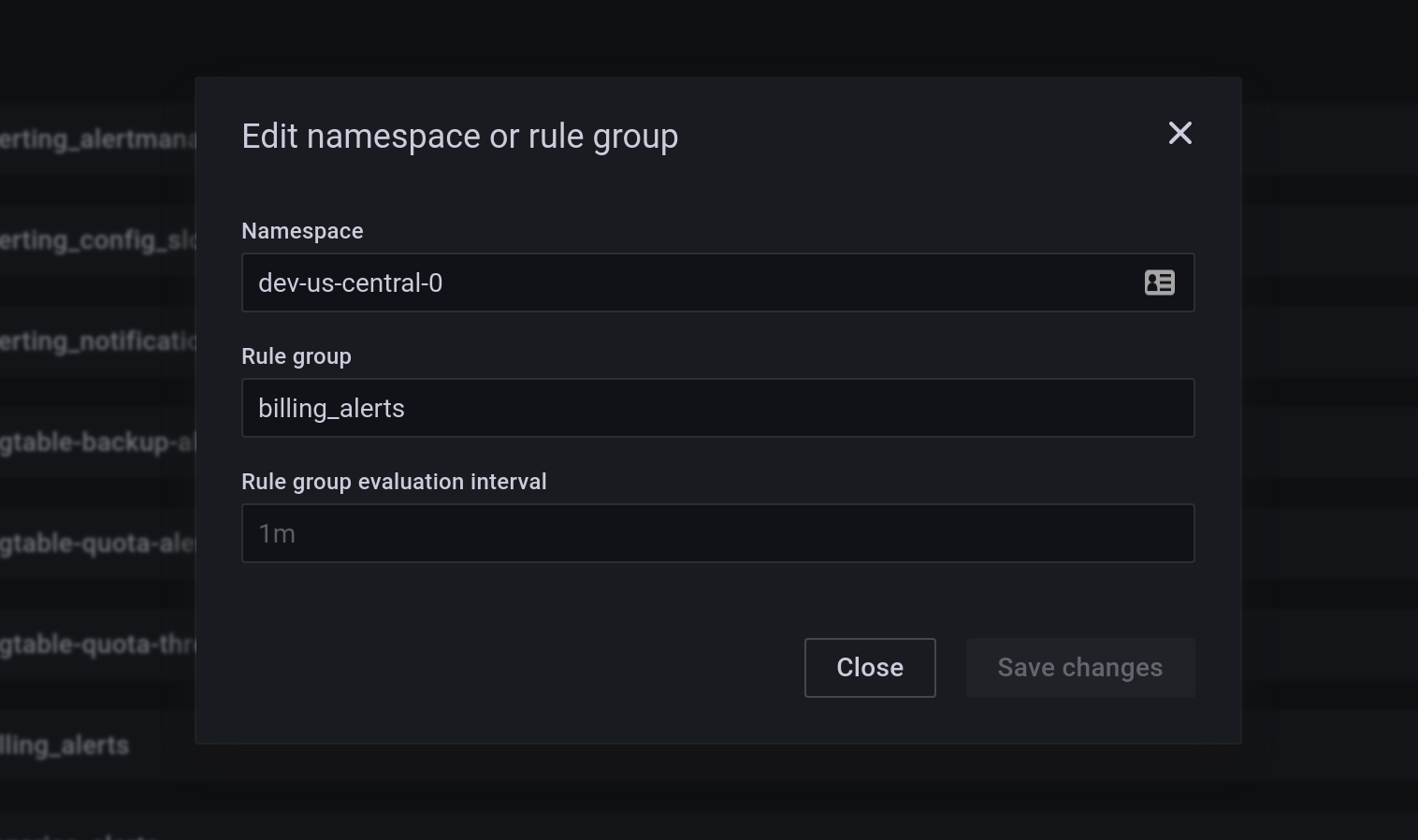
- Enter a new name in the Namespace field, then click Save changes.
A new namespace is created and all groups are copied into this namespace from the old one. The old namespace is deleted.
Rename rule group or change the rule group evaluation interval
The rules within a group are run sequentially at a regular interval, the default interval is one (1) minute. You can modify this interval using the following instructions.
- n the Grafana menu, click the Alerting (bell) icon to open the Alerting page listing existing alerts.
- Find a Cortex or Loki managed rule with the group you want to edit.
- Click Edit (pen) icon.
- Modify the Rule group and Rule group evaluation interval information as necessary.
- Click Save changes.
When you rename the group, a new group with all the rules from the old group is created. The old group is deleted.
Was this page helpful?
Related resources from Grafana Labs



