
Menu
Important: This documentation is about an older version. It's relevant only to the release noted, many of the features and functions have been updated or replaced. Please view the current version.
Documentation Grafana documentation
Panels
Create reusable Grafana panels
Manage Grafana library panels
Grafana documentation
Panels
Create reusable Grafana panels
Manage Grafana library panels
Grafana documentation
Panels
Create reusable Grafana panels
Manage Grafana library panelsEnterprise
Open source
Manage Grafana library panels
You can adjust library panel configuration at any time.
Before you begin
To view and manage a library panel:
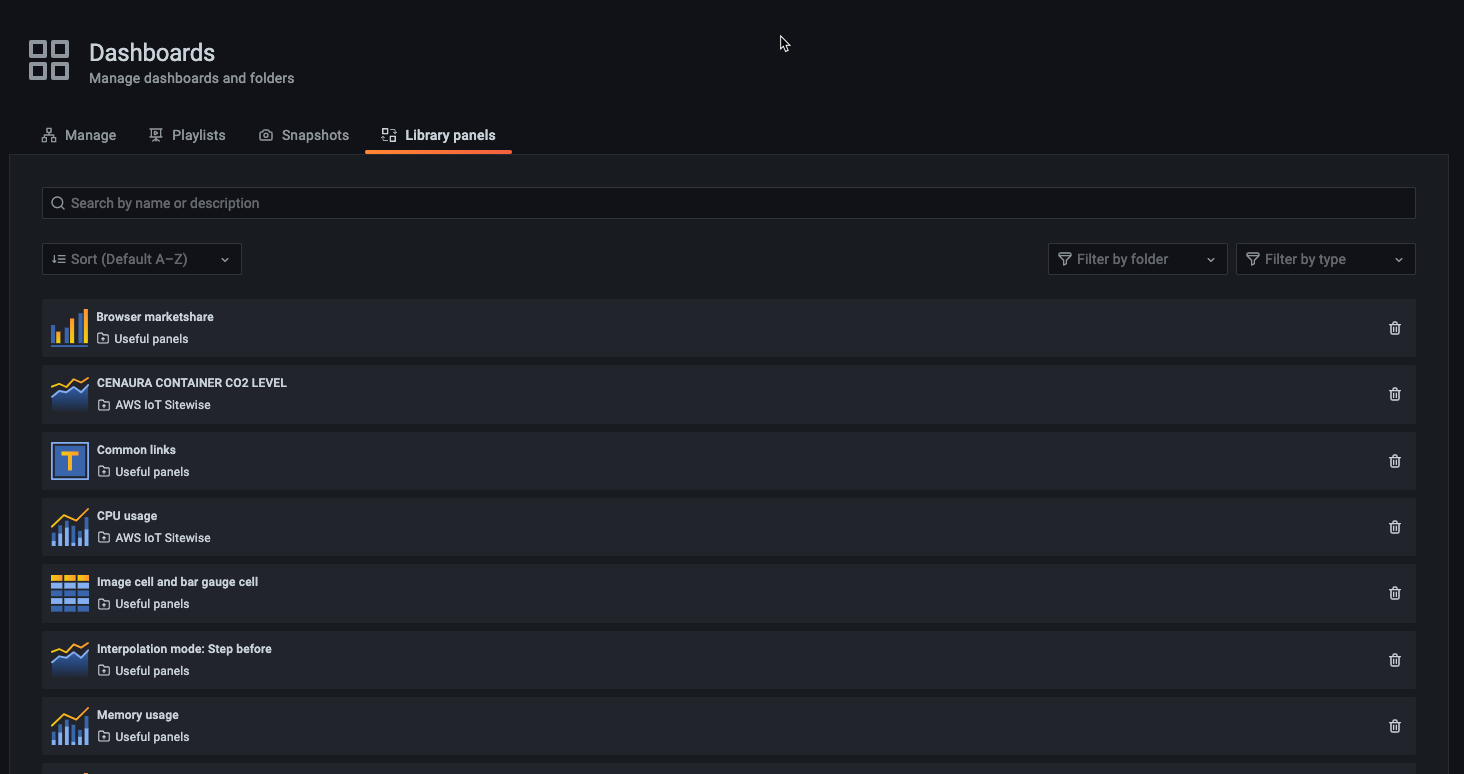
Hover over the Dashboard option on the left menu, then click Library panels.
You can see a list of previously defined library panels.

Screenshot of the edit panel Search for a specific library panel if you know its name.
You can also filter the panels by folder or type.
Was this page helpful?
Related resources from Grafana Labs

Video

Getting started with managing your metrics, logs, and traces using Grafana
In this webinar, we’ll demo how to get started using the LGTM Stack: Loki for logs, Grafana for visualization, Tempo for traces, and Mimir for metrics.
Video

Getting started with Grafana dashboard design
In this webinar, you'll learn how to design stylish and easily accessible Grafana dashboards that tell a story.
Video

Building advanced Grafana dashboards
In this webinar, we’ll demo how to build and format Grafana dashboards.