
Menu
Important: This documentation is about an older version. It's relevant only to the release noted, many of the features and functions have been updated or replaced. Please view the current version.
Documentation Grafana documentation
Alerting
Alerting fundamentals
Annotations and labels for alerting rules
Labels in Grafana Alerting
Grafana documentation
Alerting
Alerting fundamentals
Annotations and labels for alerting rules
Labels in Grafana Alerting
Grafana documentation
Alerting
Alerting fundamentals
Annotations and labels for alerting rules
Labels in Grafana AlertingEnterprise
Open source
Labels in Grafana Alerting
This topic explains why labels are a fundamental component of alerting.
- The complete set of labels for an alert is what uniquely identifies an alert within Grafana alerts.
- The Alertmanager uses labels to match alerts for silences and alert groups in notification policies.
- The alerting UI shows labels for every alert instance generated during evaluation of that rule.
- Contact points can access labels to dynamically generate notifications that contain information specific to the alert that is resulting in a notification.
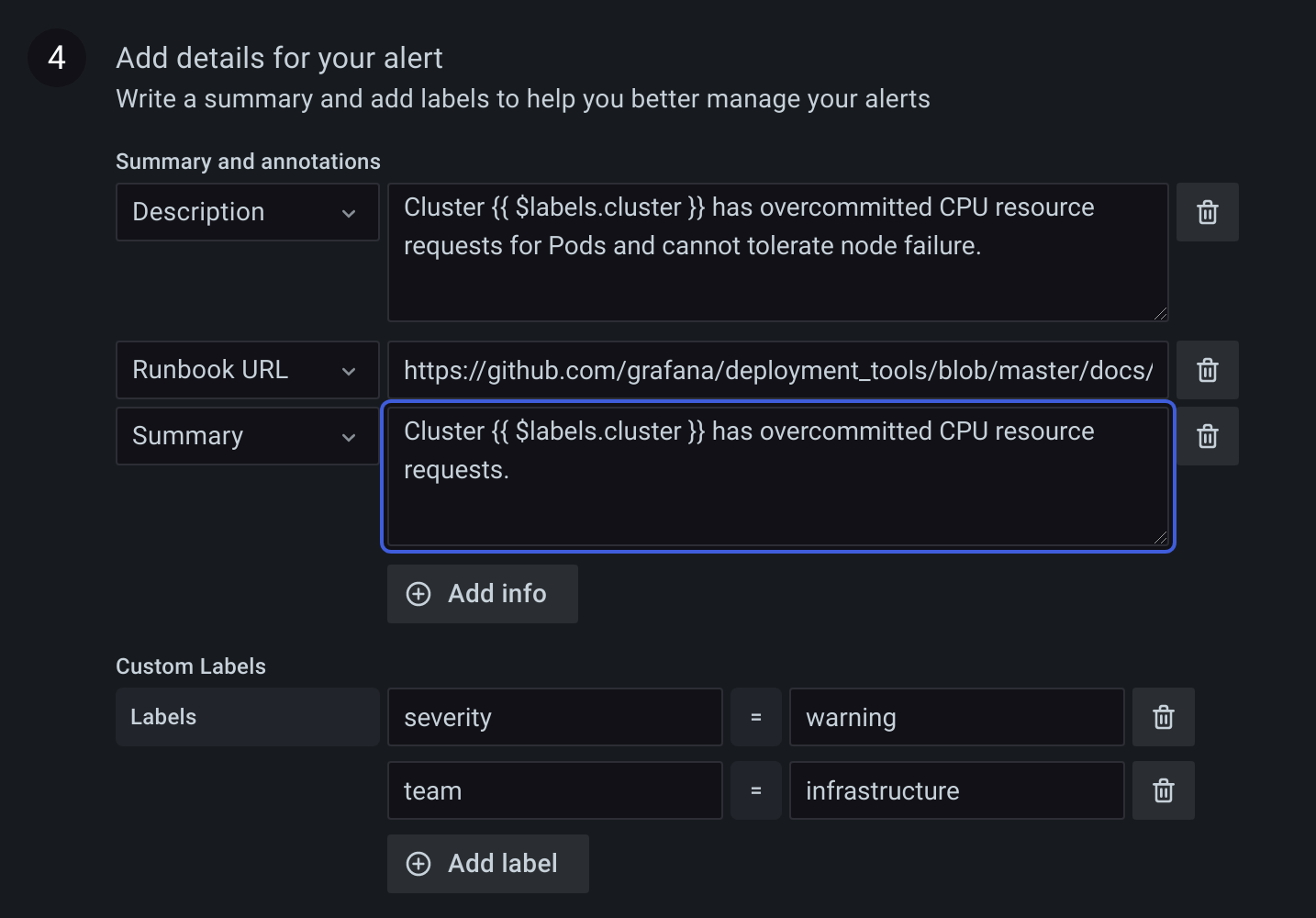
- Labels can be added to an alerting rule. These manually configured labels are able to use template functions and reference other labels. Labels added to an alerting rule take precedence in the event of a collision between labels.
Was this page helpful?
Related resources from Grafana Labs

Video

Getting started with managing your metrics, logs, and traces using Grafana
In this webinar, we’ll demo how to get started using the LGTM Stack: Loki for logs, Grafana for visualization, Tempo for traces, and Mimir for metrics.
Video

Getting started with Grafana dashboard design
In this webinar, you'll learn how to design stylish and easily accessible Grafana dashboards that tell a story.
Video

Building advanced Grafana dashboards
In this webinar, we’ll demo how to build and format Grafana dashboards.